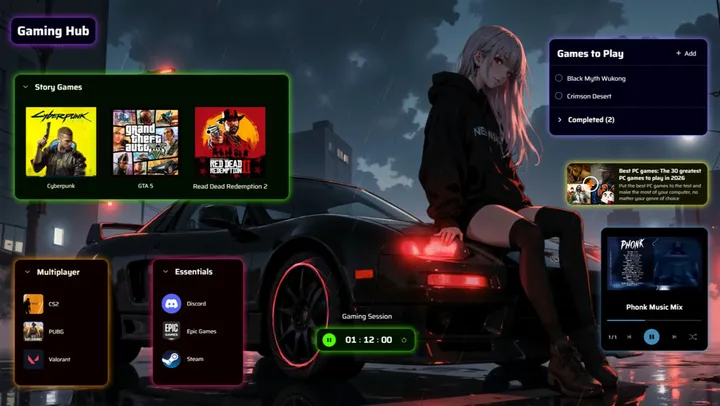
Explore Deskboard
Deskboard turns a folder on your computer into a workspace you can arrange. This is the official guide to all of it.
New here?
Section titled “New here?”What is DeskboardA folder, opened as a workspace. What that means and what it does not.Install DeskboardWindows, macOS and Linux, and what to expect on each.Create your first boardTurn any folder into a board. Nothing is moved or copied.Find your way aroundThe title bar, the add button, the editor panel and edit mode.
Browse the docs
Section titled “Browse the docs”WidgetsNotes, tasks, timers, music, embeds and everything else that lives only on the board.Files and foldersHow a board mirrors a real folder, and every setting for the things inside it.AppearanceThemes, wallpapers and fonts.AnnotationsDraw straight over your board.Dax, the AI assistantWhat Dax can do on an open board, and how to set it up.ReferenceKeyboard shortcuts, every widget setting, and where Deskboard stores things.